
A saved client's account brings invoices, payments and credit together. Use it when a client pays several invoices in one transfer or you need to send a statement showing their history. Keep each currency's figures separate when reviewing the balance.
Record a client payment
- Open Clients and select the client.
- Choose Record payment.
- Enter Amount received, Date, Method and an optional Note.
- Choose Oldest first to allocate against eligible invoices in order, or Pick invoices to choose the allocations yourself.
- Review the remainder shown in the sheet.
- Choose Save payment.
The available methods are Bank transfer, Card, Cash and Other. These describe money you have already received. Recording a payment does not initiate a bank transfer or card charge.
Use client credit
An unallocated remainder remains on the client account as credit. When an eligible invoice offers Apply client credit in More, review the amount and apply the available credit. This is an internal allocation, not another cash receipt.
Avoid recording the same transfer both on the client account and separately on each invoice. Allocations connect a single receipt to the relevant invoices, preserving one record of the money received.
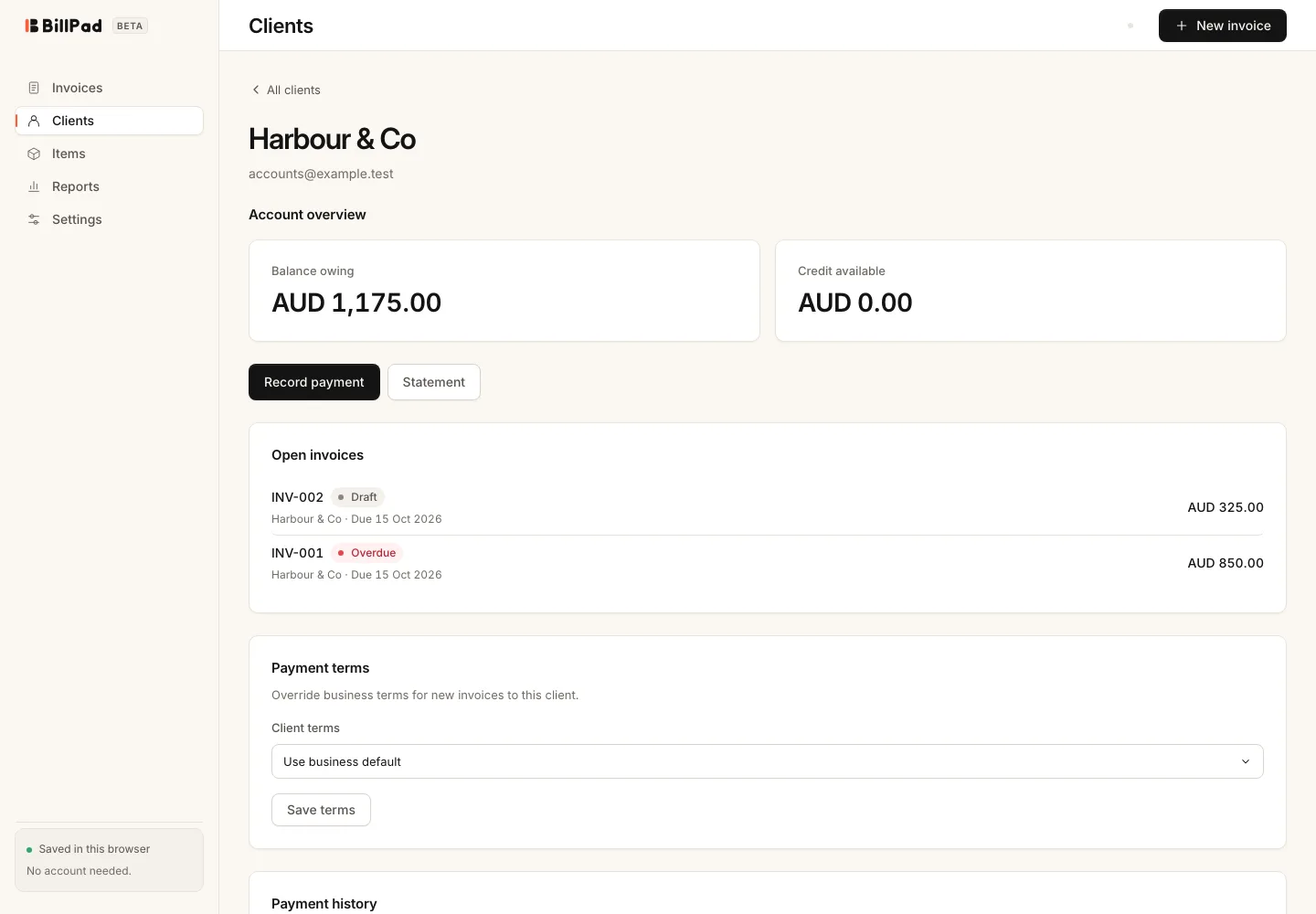
Download a statement
- Open the client's account and choose Statement.
- Set Statement period to All time or Last 90 days.
- Choose Download PDF.
- Inspect the statement before sending it to the client.
Good to know
Statements summarise account history; they do not replace individual invoices or receipts. Check the period if a client expects an older transaction to appear. A saved client's details and the details on historical invoices can differ, so review document identity as well as the total when investigating a balance.
If an allocation looks wrong, check the original receipt and invoice payment history before entering another transaction. Export a backup before making several corrections so you retain a reference copy.